AI Bulin47

Raindance AI Video Generator

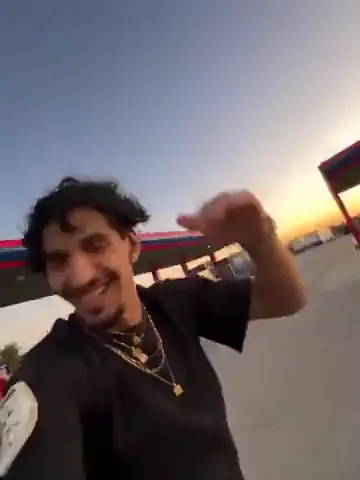
Make a Raindance AI video from two character photos and the ready-made 28-second seaside reference. Photo 1 replaces the performer in the dark shirt, Photo 2 the performer in the mint dress.

Create a video
Raindance28s · Original soundtrack
@Image 1
@Image 2

By generating, you confirm you have rights to the photos and accept the use policy.

Open libraryLibrary

What is the Raindance AI trend?

Raindance AI is a two-person recast inspired by the seaside sequence in the Raindance music video. One performer plays toward the camera while the other waits on the pier and joins the closing couple shots. The clip shown here is a credited Higgsfield community example (by phuneralyraim1); it was not made on this site and can't predict your result. AI Bulin47 supplies the motion reference, two photo roles and a prepared prompt, and is not affiliated with the artists, label, video team or Higgsfield.

How to make a Raindance AI video

  1. 01

    Preview Raindance AI

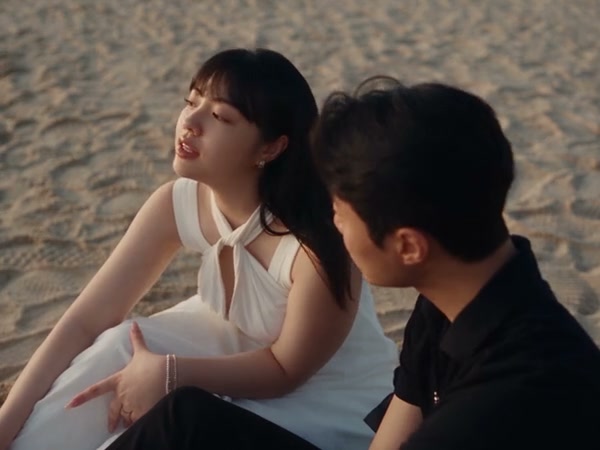
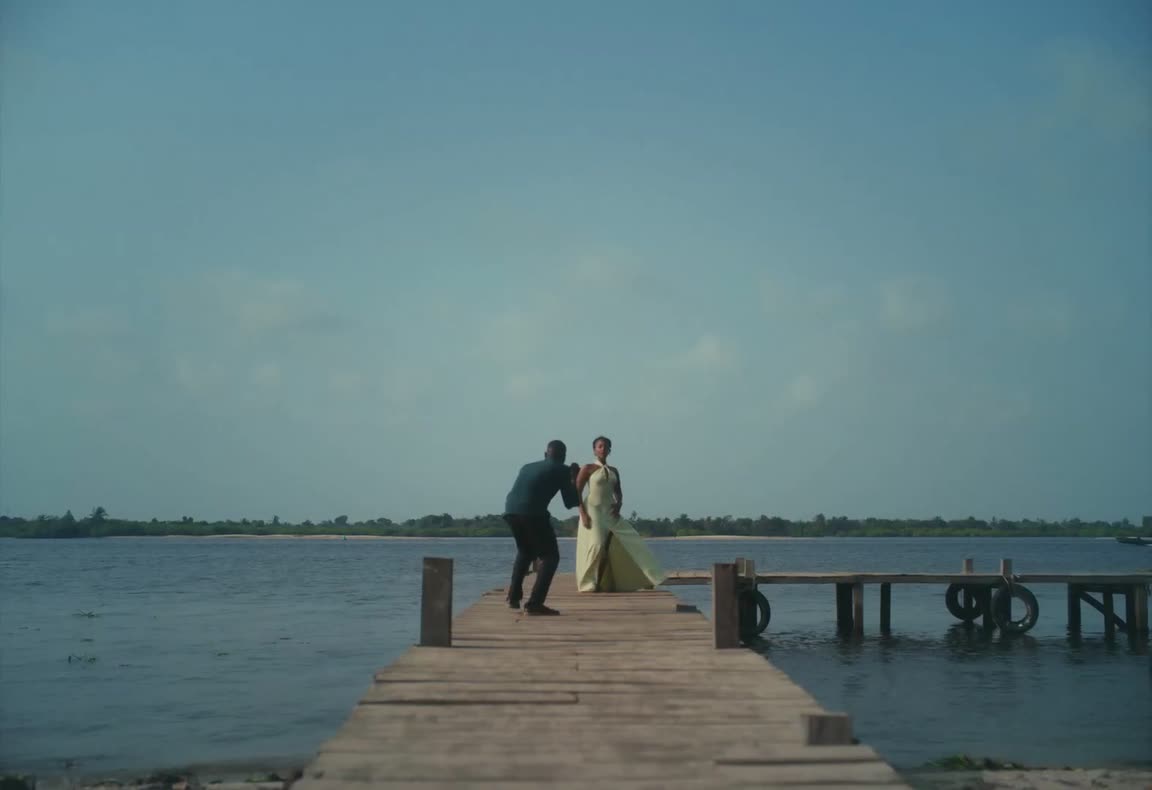
    Watch the muted 28-second reference. The man starts seated on the pier; the woman walks toward him and carries most of the close-ups.

  2. 02

    Upload two Raindance AI photos

    Add the dark-shirt replacement as Photo 1 and the mint-dress replacement as Photo 2 — one full-body character reference for each role.

  3. 03

    Generate your Raindance AI video

    Pick a resolution, check the estimate and sign in to generate. Your video includes the original reference soundtrack; review both identities and listen before downloading.

Make the Raindance AI video your own

Two new people, one fixed seaside performance

Raindance AI starts from one complete 28-second motion reference, so your only job is casting. The source man begins seated on the pier and returns in the two-person and rear-view shots; the source woman walks toward him and leads most of the close-ups.

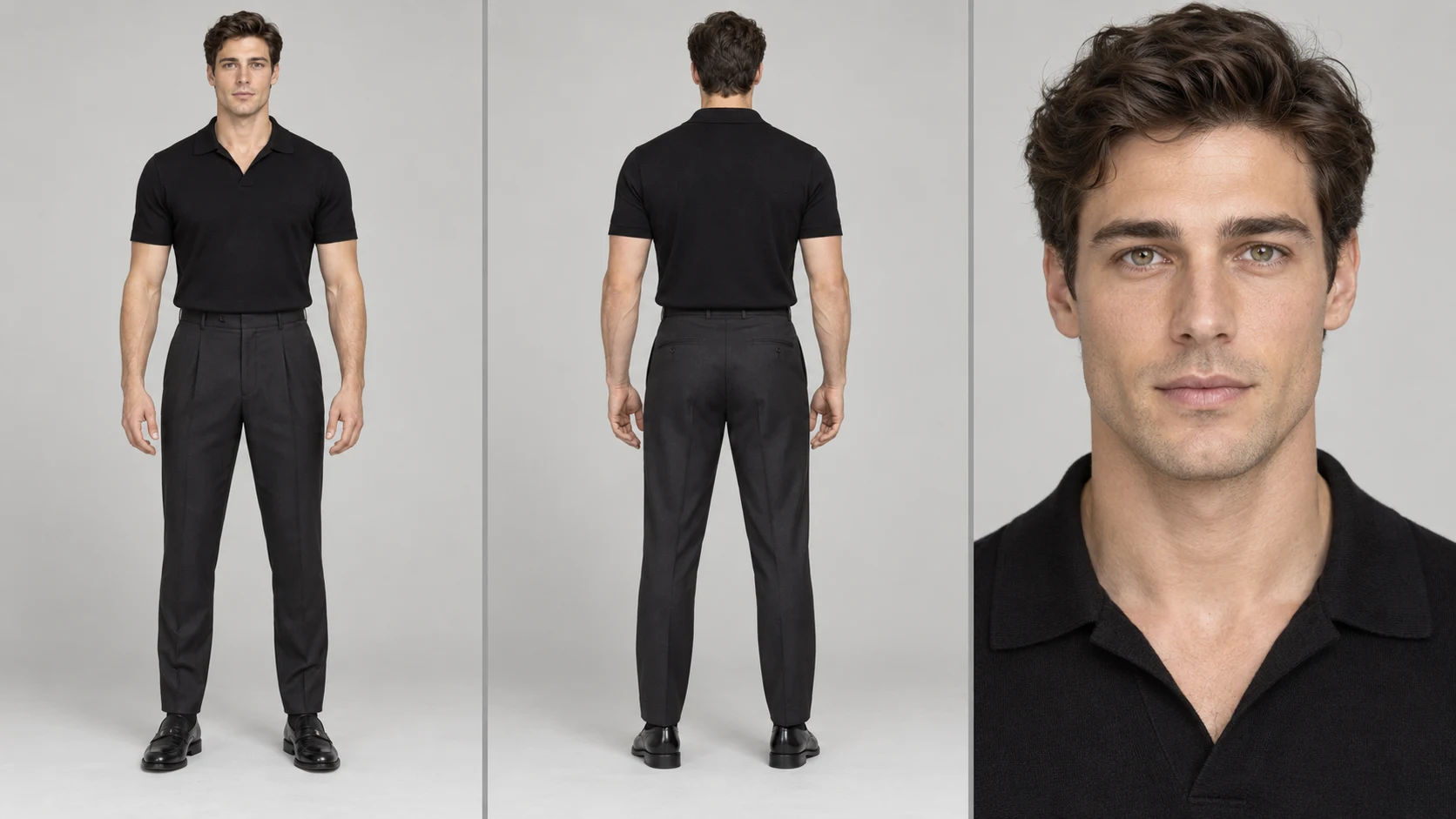
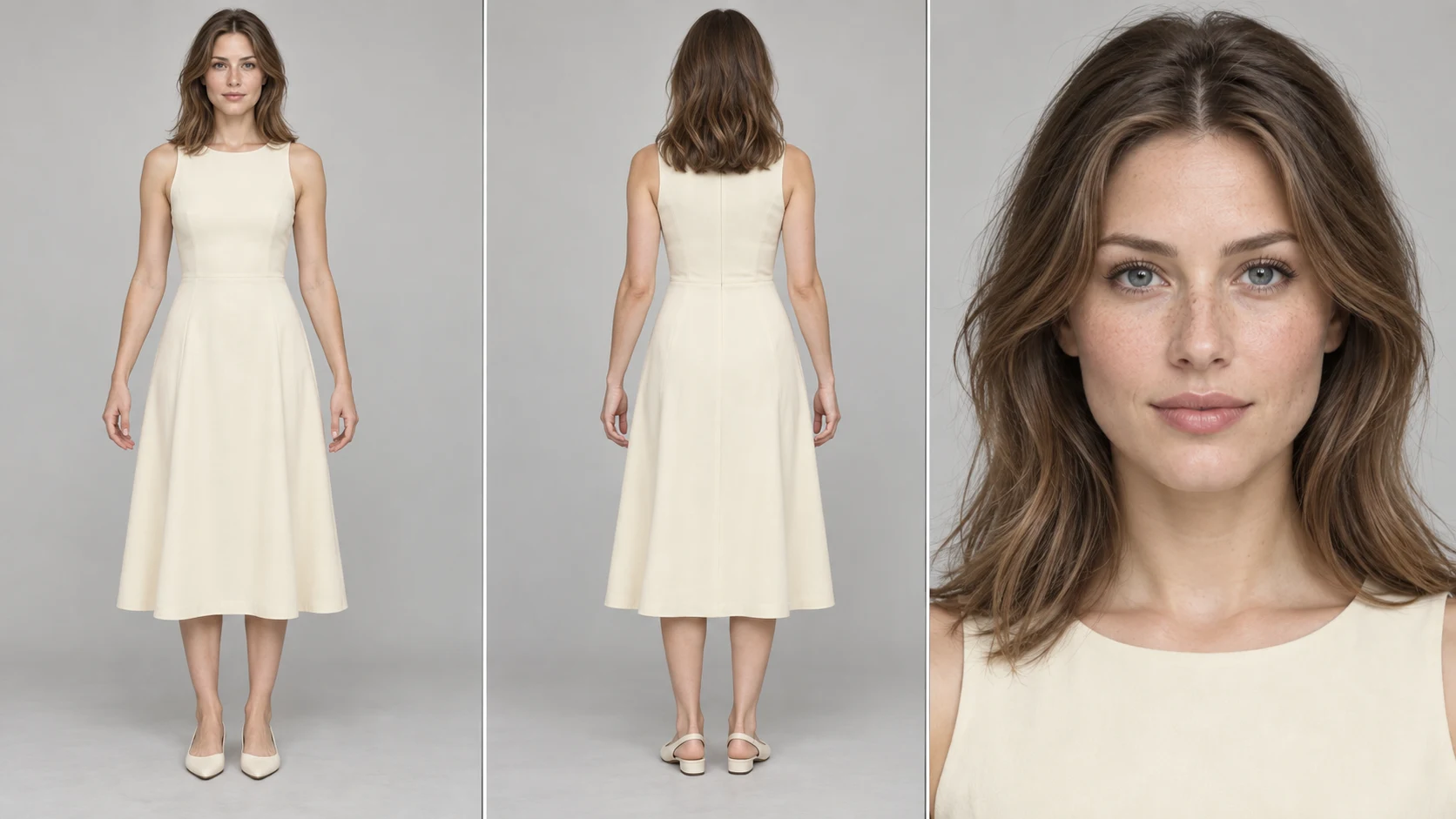
The clip supplies the actions, timing, cuts, framing and seaside setting — no filming and no second video. Your two photos supply who appears. The community input pair shown here illustrates the full-body framing that works best.
Two labeled slots prevent role mix-ups

Photo 1 follows the performer in the dark green shirt and Photo 2 follows the performer in the mint-green dress. Those clothing anchors help keep the two replacement characters from swapping roles across cuts.

Use one person per image with a visible face, hair and outfit. Distinct looks make the pair easier to tell apart when you review the finished Raindance AI video.

Two new people, one fixed seaside performance

The full Raindance AI sequence

Raindance AI follows the prepared 28-second source and its aspect ratio. The pier entrance, close-ups, seated interaction, wide photography moment and beach ending all stay in one edit, so you don't have to rebuild any cut in text.

Each image supplies the replacement character's identity, body, clothing and style; the video supplies motion, camera, scene and timing. The prompt fixes that mapping automatically.

Resolution and sound

Choose 480p, 720p or 1080p. Higher resolution changes the estimate and file detail but doesn't guarantee steadier identities, hands or mouth movement.

Your Raindance AI video includes the original reference soundtrack, ready to preview and download together. Check the close-up mouth movement before sharing — exact lip sync isn't guaranteed — and make sure you have the rights for your intended use.

The full Raindance AI sequence

Review before and after you generate

Before submitting, check the motion reference, role order, both photo previews, resolution and live estimate. Uploading files or changing a setting never starts a generation.

After you press Generate, My creations shows the pending or finished Raindance AI result. Play the whole clip and check both identities across every cut before downloading.

When Raindance AI is the right fit

Raindance AI suits a duo concept, a pair of original characters or a playful recast with a friend who agrees. It is a fixed performance: the location, choreography and camera won't change.

For a new seaside story or a different couple shot, build it in the AI Video Generator instead, and come back here when you want this exact sequence.

Review before and after you generate

Raindance AI: your questions answered

How many photos does Raindance AI need?

Two — Photo 1 for the dark-shirt performer and Photo 2 for the mint-dress performer. Use one full-body reference per role.

Which role does each photo replace?

Photo 1 replaces the man who starts seated on the pier; Photo 2 replaces the woman who walks toward him and leads the close-ups.

How long is a Raindance AI video?

About 28 seconds, following the reference and its aspect ratio. There's no separate duration control.

Does Raindance AI include the soundtrack?

Yes, the finished video includes the original reference soundtrack. Lip sync in close-ups isn't guaranteed, and publishing rights are your responsibility.

Is the example video made on this site?

No. It's a credited Higgsfield community example shown for reference; it can't predict your result.

Can I change the seaside setting?

No, the reference fixes the pier, beach, choreography and camera. For a different scene, use the AI Video Generator.

Does Raindance AI cost credits?

Generating needs an account with enough credits for the estimate beside Generate. Previewing and uploading are free.

Where is my finished Raindance AI video?

In My creations or your video history. Check both identities across every cut and listen before downloading.

A new role in every scene

Choose your next AI trend

From solo performances to a full dance cast, find the scene for your next photo.

Cast your Raindance AI duo

Pick a character for each role, keep the seaside performance and see your pair take over the pier. Check the settings and estimate, then create.

Try Raindance AI